I remember my first week in Suwon. I was starving, it was raining sideways, and my Korean was limited to “hello” and “thank you.” I opened Baemin (배민), saw a wall of pure Hangul, and promptly closed the app. I ate a sad, convenience store triangle kimbap that night, crying into my soju. It doesn’t have to be this way. After three years of ordering jajangmyeon at 2 AM and fried chicken during World Cup games, I’ve cracked the code. Here is your no-BS survival guide to getting food to your door in Suwon.
Tip 1: Switch the Language (The ‘배민 외국어 설정’ Hack)
Yes, it exists. Stop squinting at the Korean. Open Baemin, go to the menu (the three lines in the top left corner), scroll down to the settings gear icon, and look for ‘언어’ (Language) or ‘외국어 설정’. You can switch the interface to English or Chinese. It’s not a perfect translation—some menu items will still be in Korean—but it makes navigation 100% easier. Yogiyo also has an English mode, but it’s buried deeper in the app settings. Do this *before* you’re hungry. Look for the ‘배민 외국어 설정’ option in the app’s main settings menu, not the order screen.
Tip 2: Master the “Direct Order” (직접 주문) for Suwon’s Local Gems
The big chains are fine, but the real magic in Suwon is in the local spots near Gwanggyo Lake or the Haenggung-dong alleyways. Many of these small restaurants don’t use the standard Baemin catalog. They use the “Direct Order” (직접 주문) tab. This connects you directly to the restaurant’s own POS system. The catch? The menu is often Korean-only and you might need to type a request (요청사항) in Korean. Use Papago to translate “please add extra sauce” and copy-paste it. This unlocks the *actual* local food network that most foreigners miss.
Tip 3: The Suwon-Specific Payment and Pickup Trap
Don’t assume card payment is always available. Many smaller spots in Suwon still operate on a “meet at the door” basis if you select “Pay at the door” (현장 결제). This is cash or card on delivery. If you are in a villa (빌라) or a goshiwon, your GPS pin might be wrong. Pro tip: In the delivery notes (요청사항), type “문 앞에 놓아주세요” (Please leave at the door) and “도착하면 전화주세요” (Please call when you arrive). Also, if you live in a large apartment complex (아파트), make sure your building number and door lock code are correct. Delivery drivers in Suwon are insanely fast—they will not wait for you to figure out your elevator code.
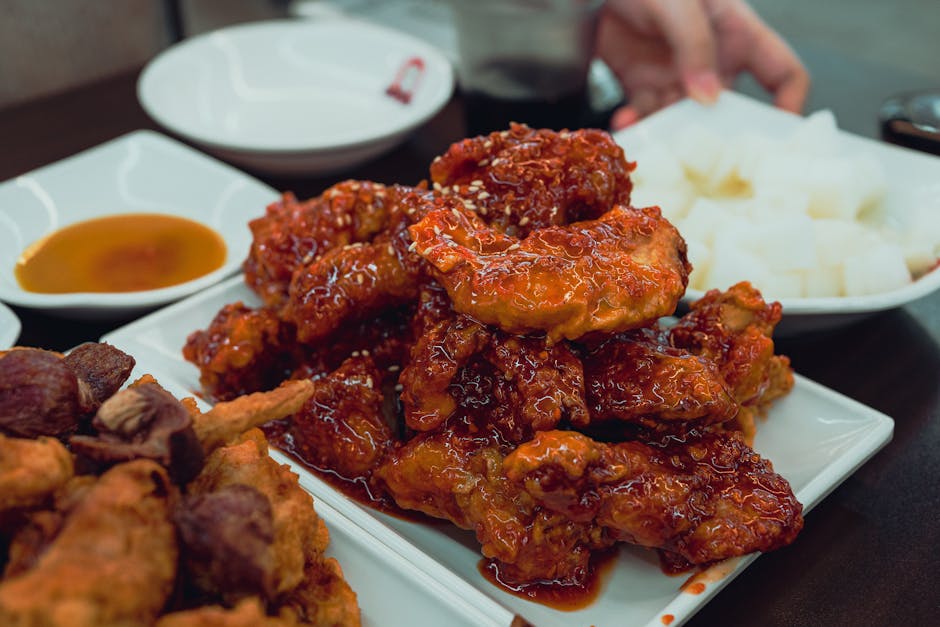
The Brutal Truth
The delivery fees (배달팁) are no longer free. The golden era of 2019 is dead. You will pay between 2,000 and 4,000 KRW per order, and if you order during a torrential downpour or a public holiday, the fee can spike to 6,000 KRW. Also, many places have a minimum order that is higher than you think. There’s nothing worse than being 500 KRW short on a 17,000 KRW minimum and having to add a can of Coke to your cart just to get your tteokbokki.
Look, you’re going to mess up the address once. You’re going to accidentally order a soup when you wanted a stew. It’s part of the ride. But once you get the language setting switched and figure out the direct order trick, you’ll realize that Korean delivery is the best thing about living here. Now go order some bossam and enjoy the view of Suwon Hwaseong Fortress from your window. You earned it.
태그 : 배민 외국어 설정, Korean food delivery app guide, Suwon expat life, Baemin English mode, Yogiyo app tips, order food in Korea foreigner
🛒 Korea Life Essential: Korean stainless steel delivery container
One of the must-have items to make your life in Suwon, Gyeonggi easier and more enjoyable!
| 🇰🇷 Coupang | Buy on Coupang |
| 🌍 AliExpress | Buy on AliExpress |
This post contains affiliate links. We may earn a small commission at no extra cost to you.